
Skip to product information

![Experience Unmatched Safety with the NEXPOW 1080P Dual Dash Cam - Front and Rear Cameras with Night Vision and Advanced Features]()


€20,95
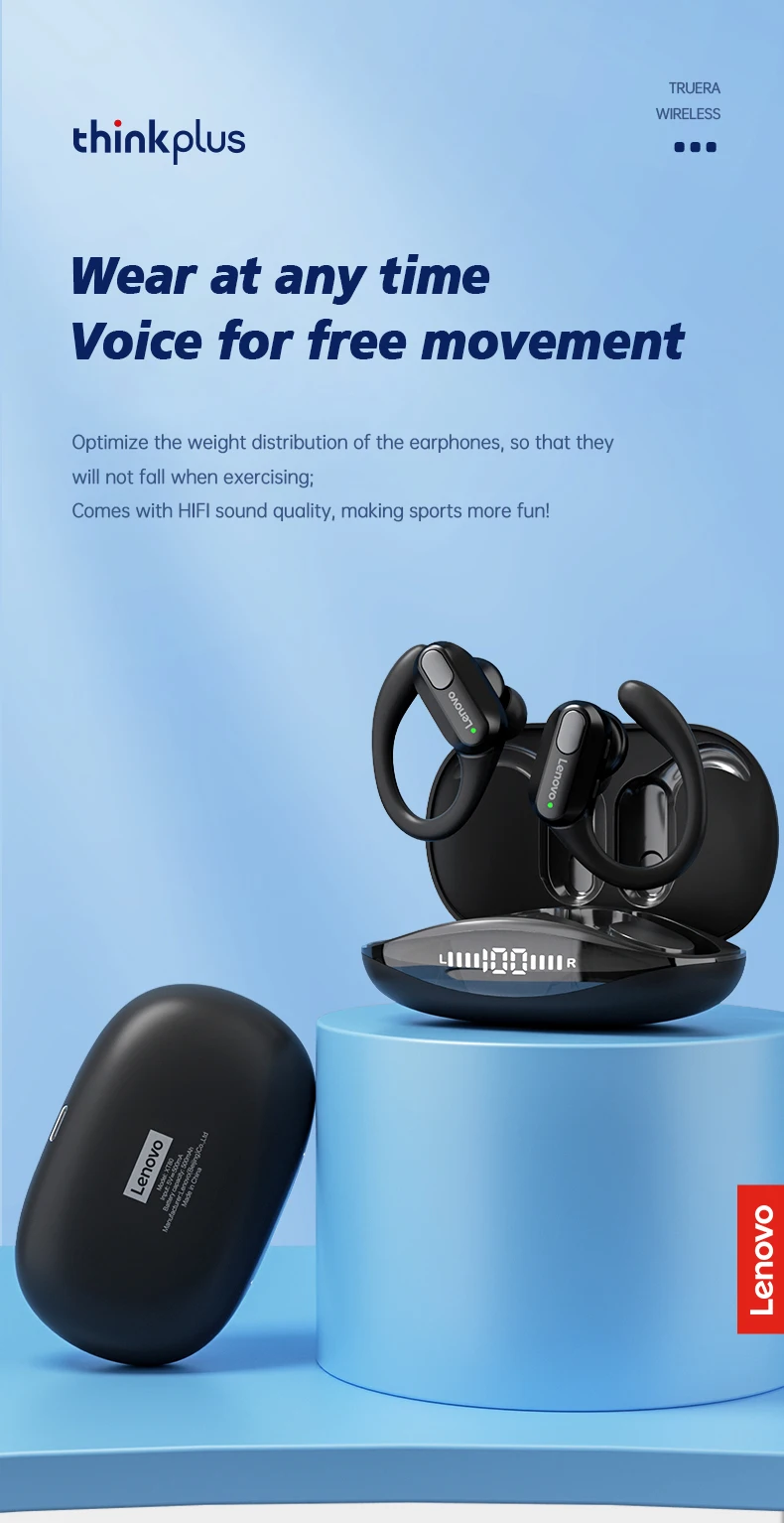
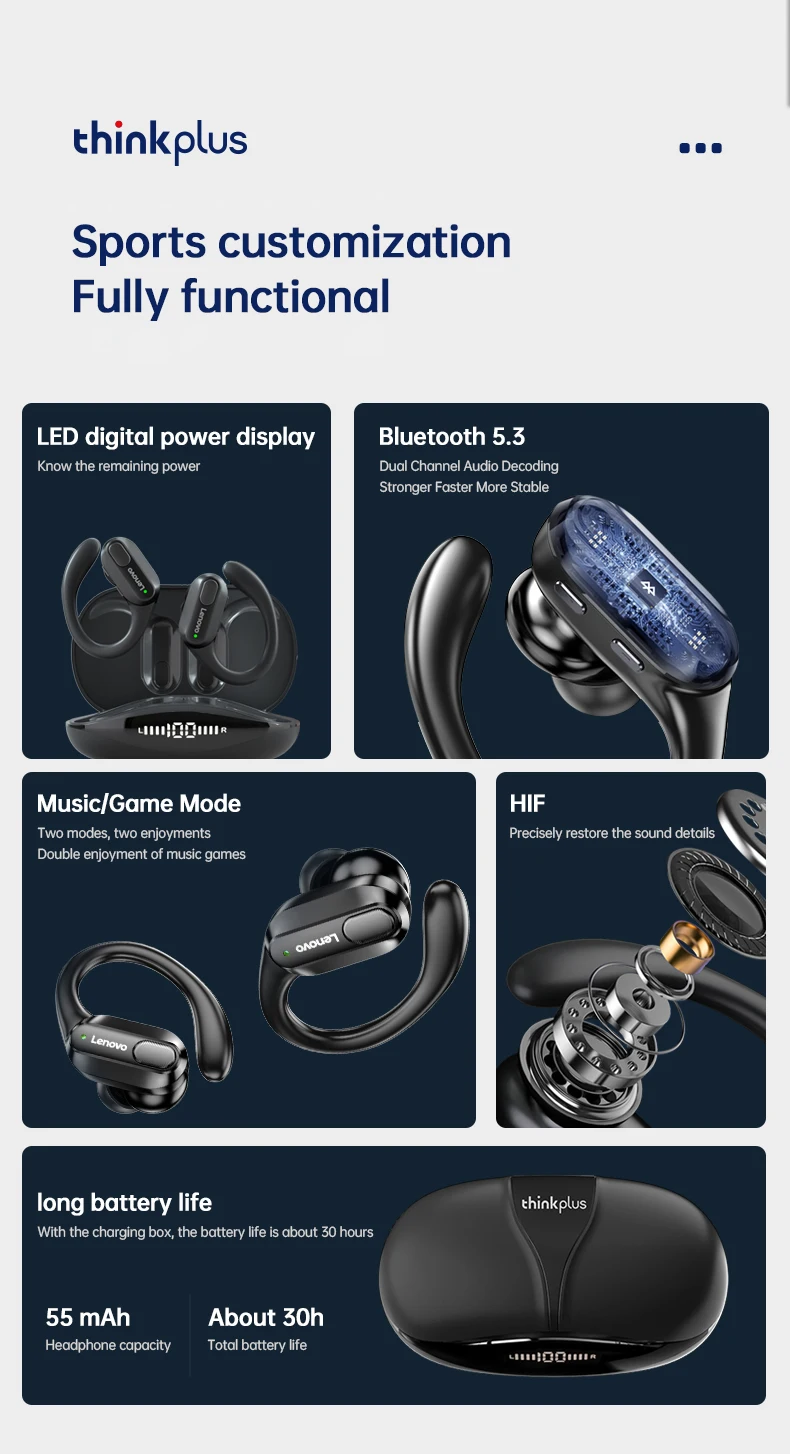
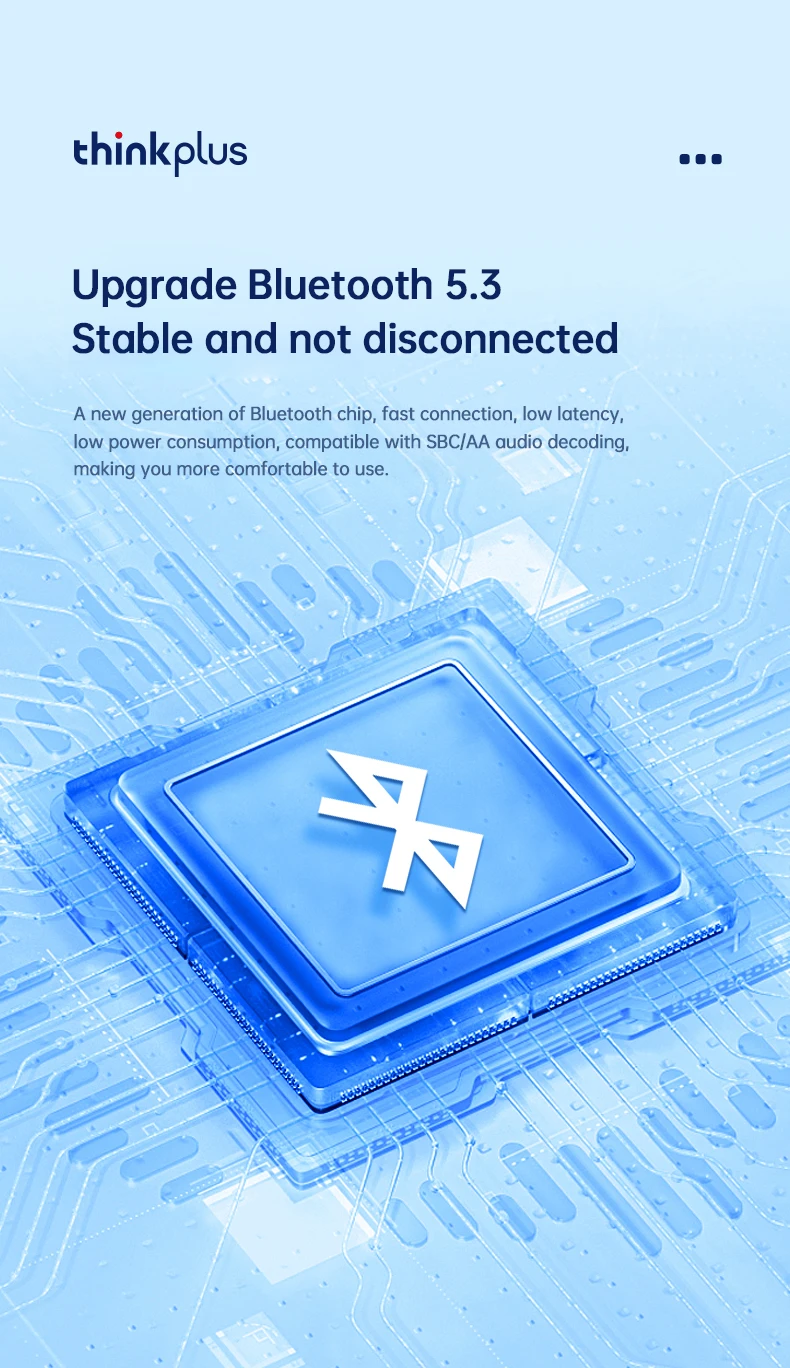
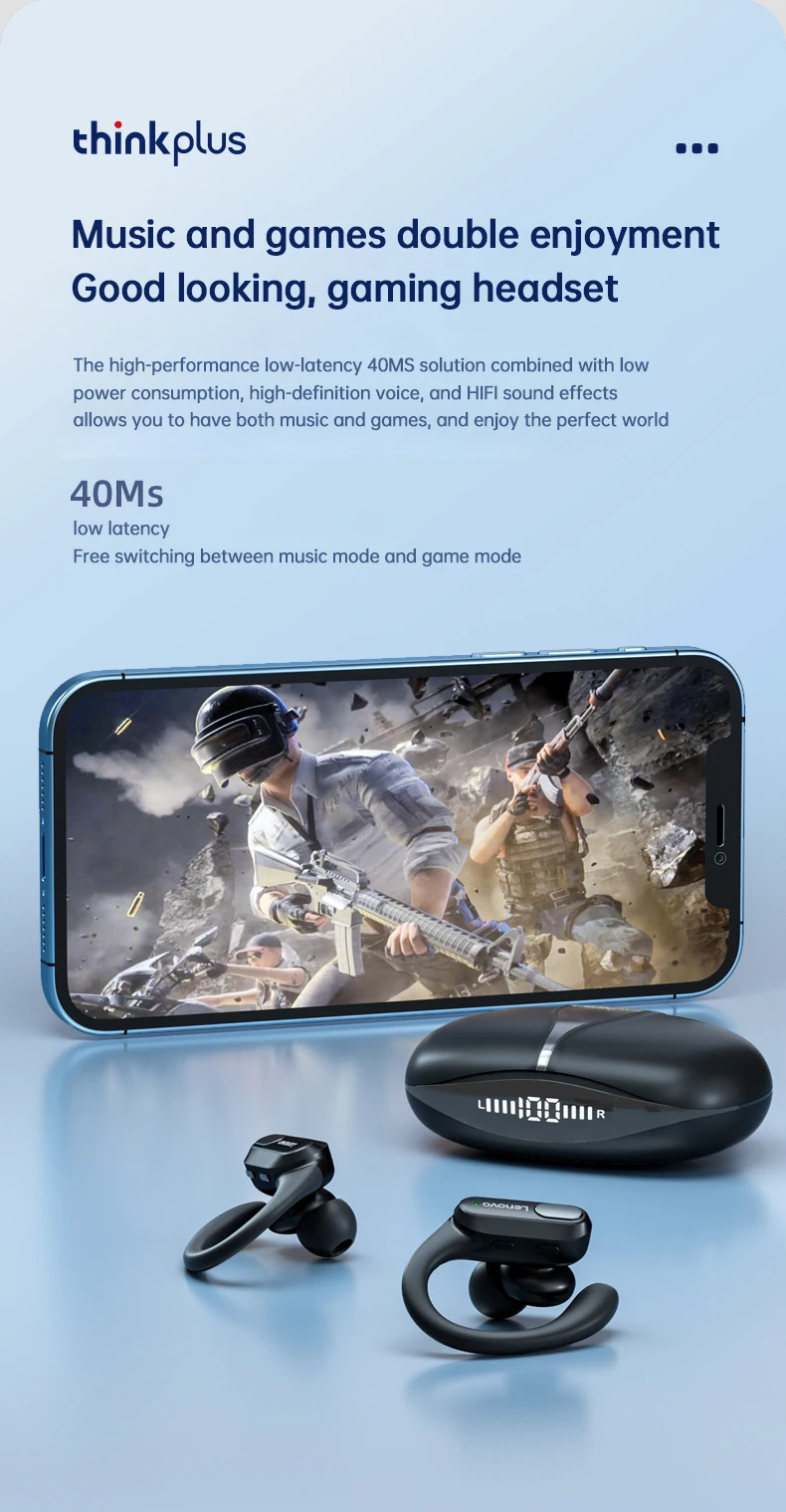
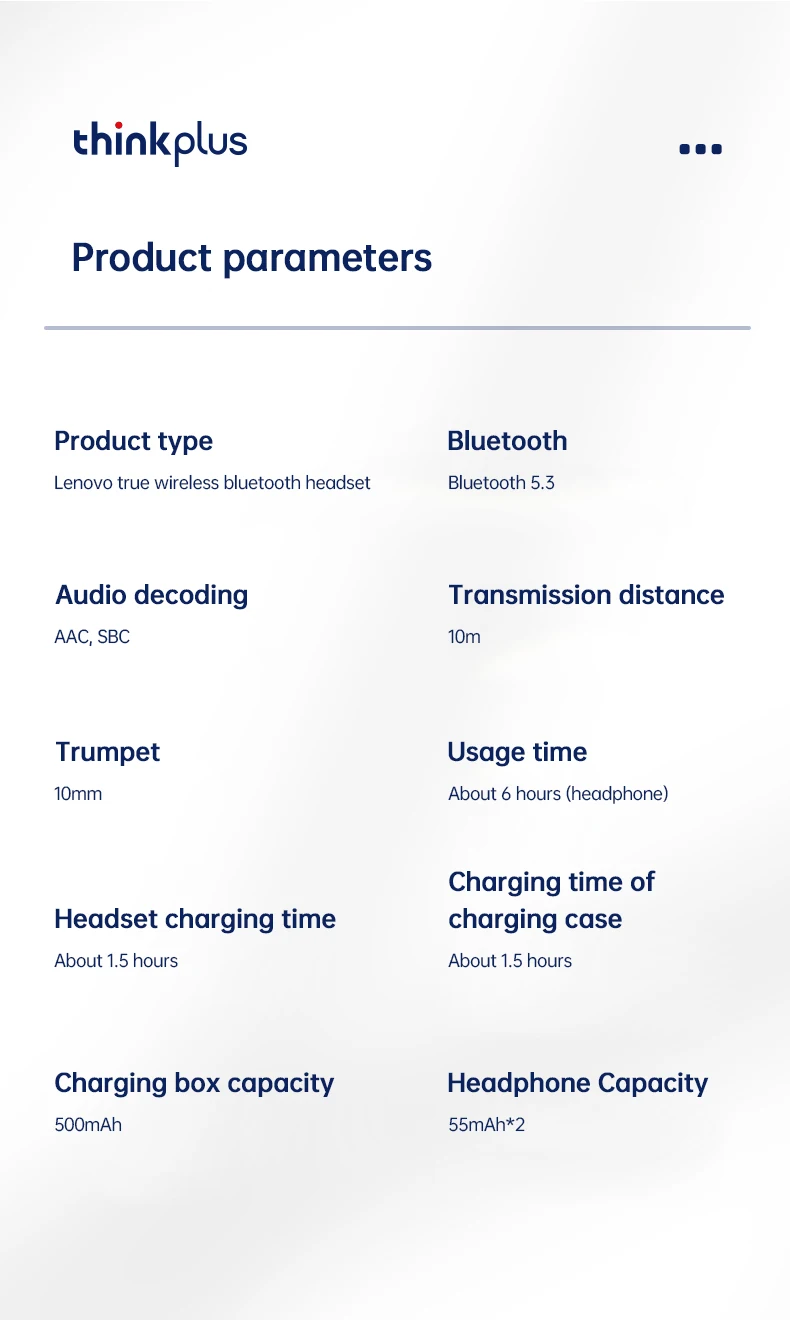
• Unmatched Wireless Experience: Immerse yourself in the world of music with the Original XT80 Sports Wireless Earphones, leveraging the cutting-edge Bluetooth 5.3 technology for a seamless and stable connection. Enjoy uninterrupted audio streaming up to 10 meters away, making it perfect for workouts or daily commutes.
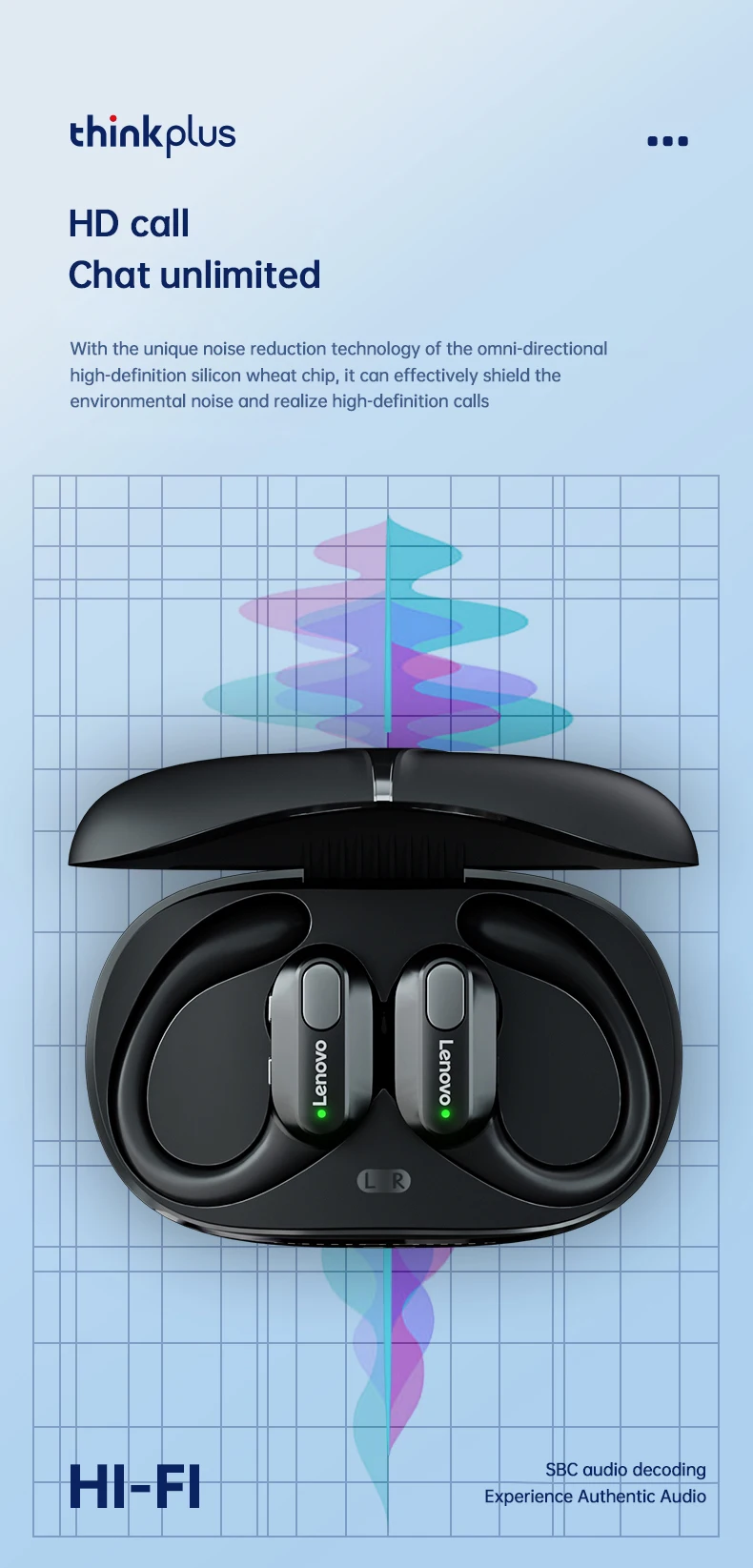
• Hands-Free Communication: Stay connected on-the-go with the built-in microphone that enables clear, hands-free calls. Whether you're at the gym or running errands, you can easily take calls without missing a beat.
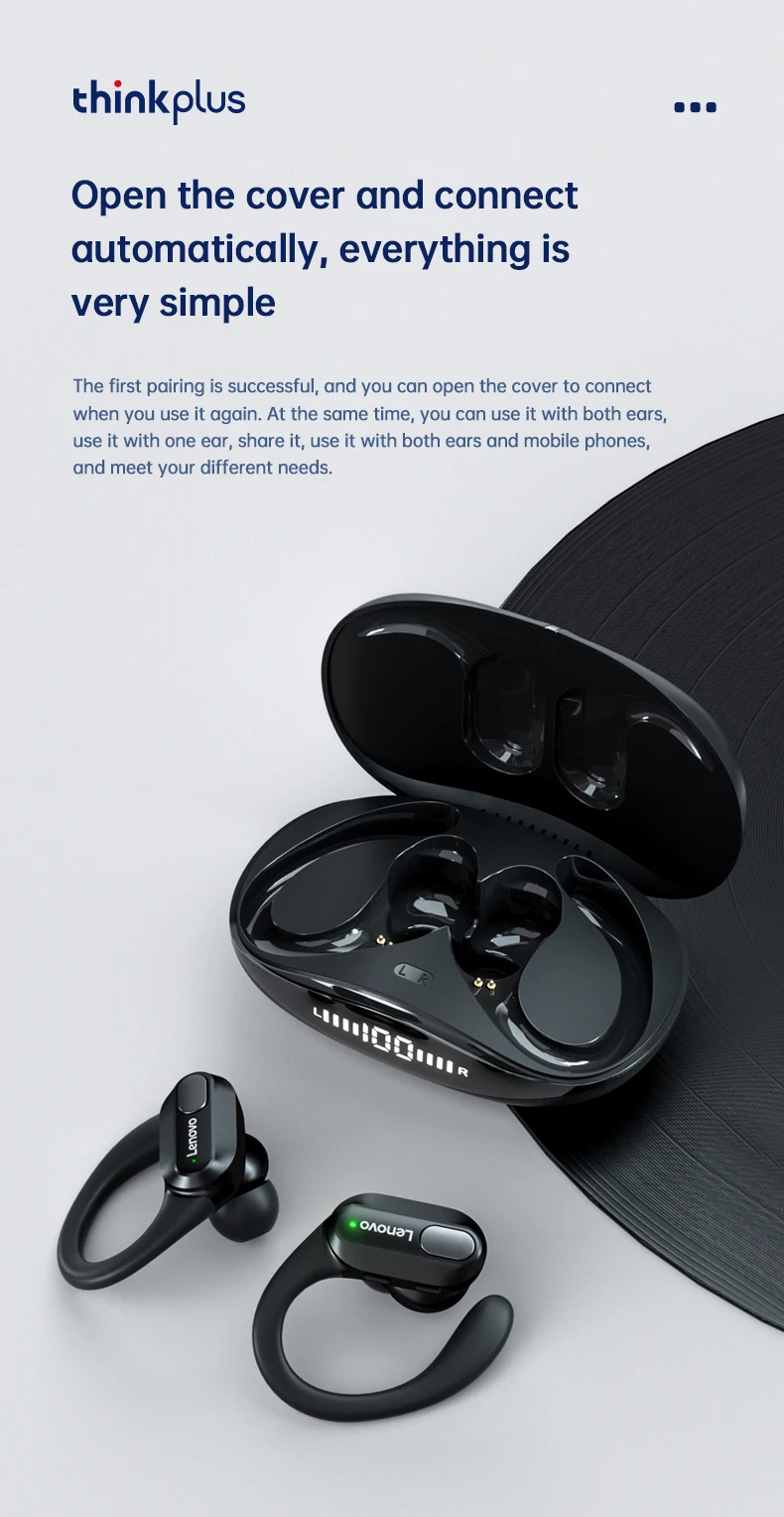
• Smart LED Power Display: Never worry about running out of battery again! The innovative LED power display keeps you informed about your earphones' battery life, so you can plan your usage accordingly and enjoy your music without interruptions.
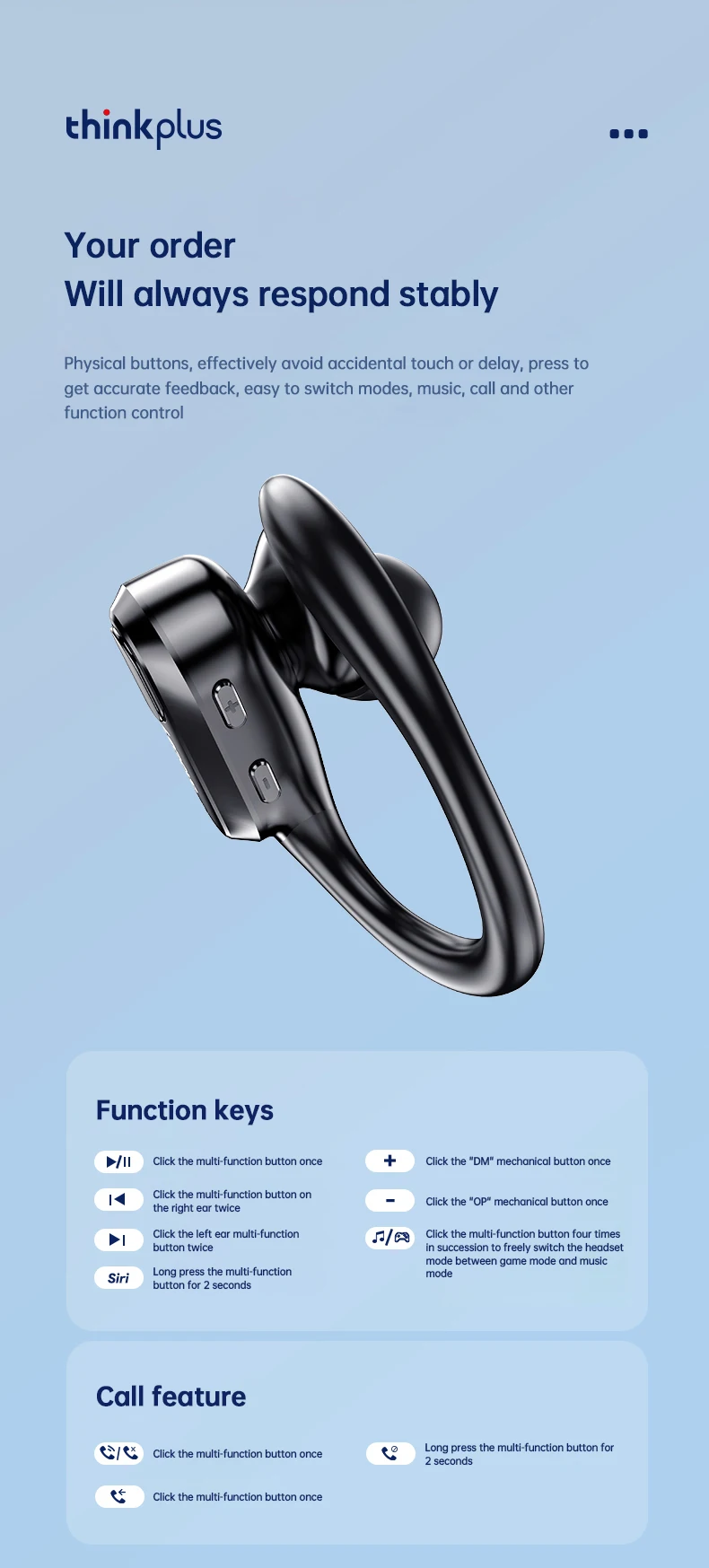
• Effortless Volume Control: Take charge of your listening experience with the user-friendly volume control feature. Adjust the sound levels of your music or calls with just a touch, ensuring the perfect auditory experience every time.
Product Overview:
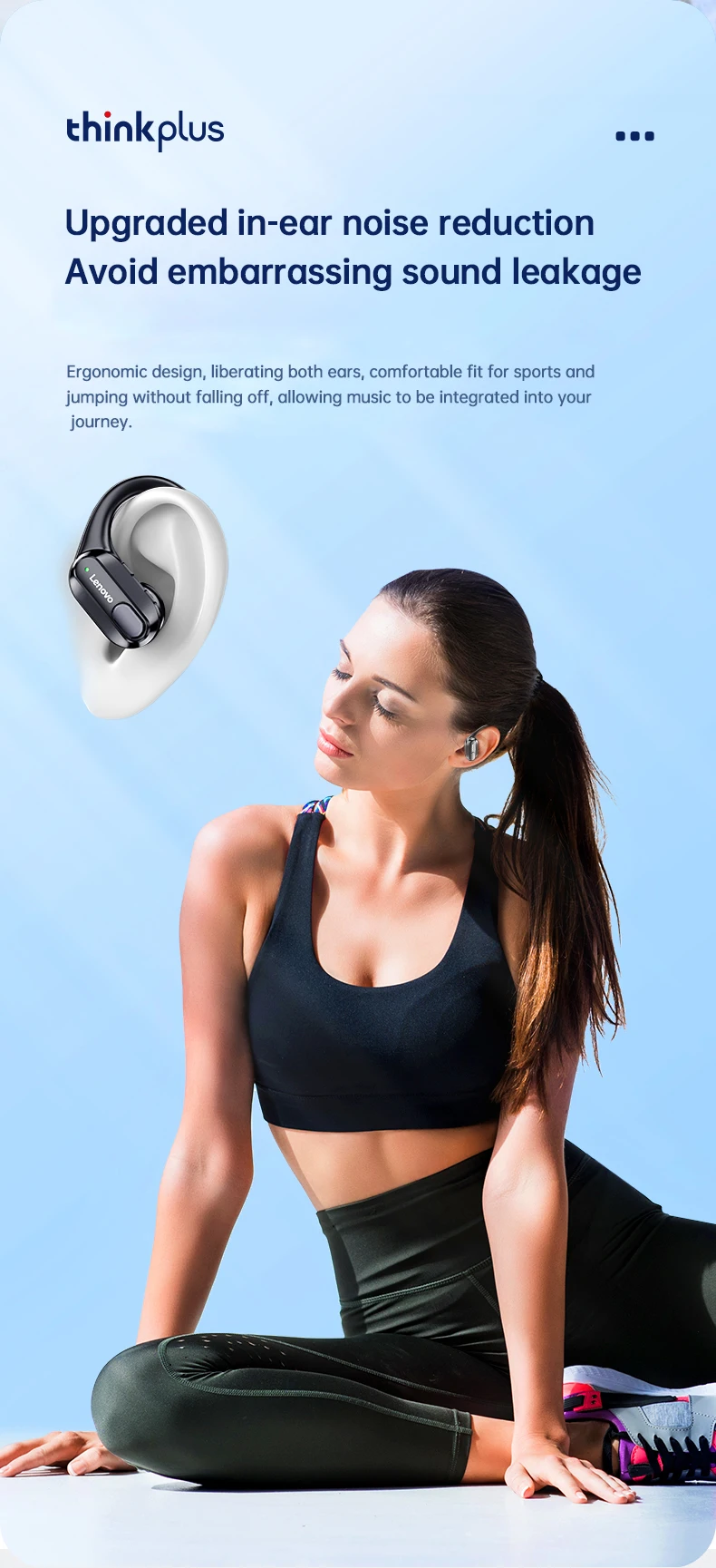
Introducing the Lenovo XT80 Ear Hook Sports Wireless Headphones, designed for those who lead an active lifestyle while demanding high-quality audio performance.
Key Features:
Model No.: XT80
Effective Distance: Approximately 10 meters
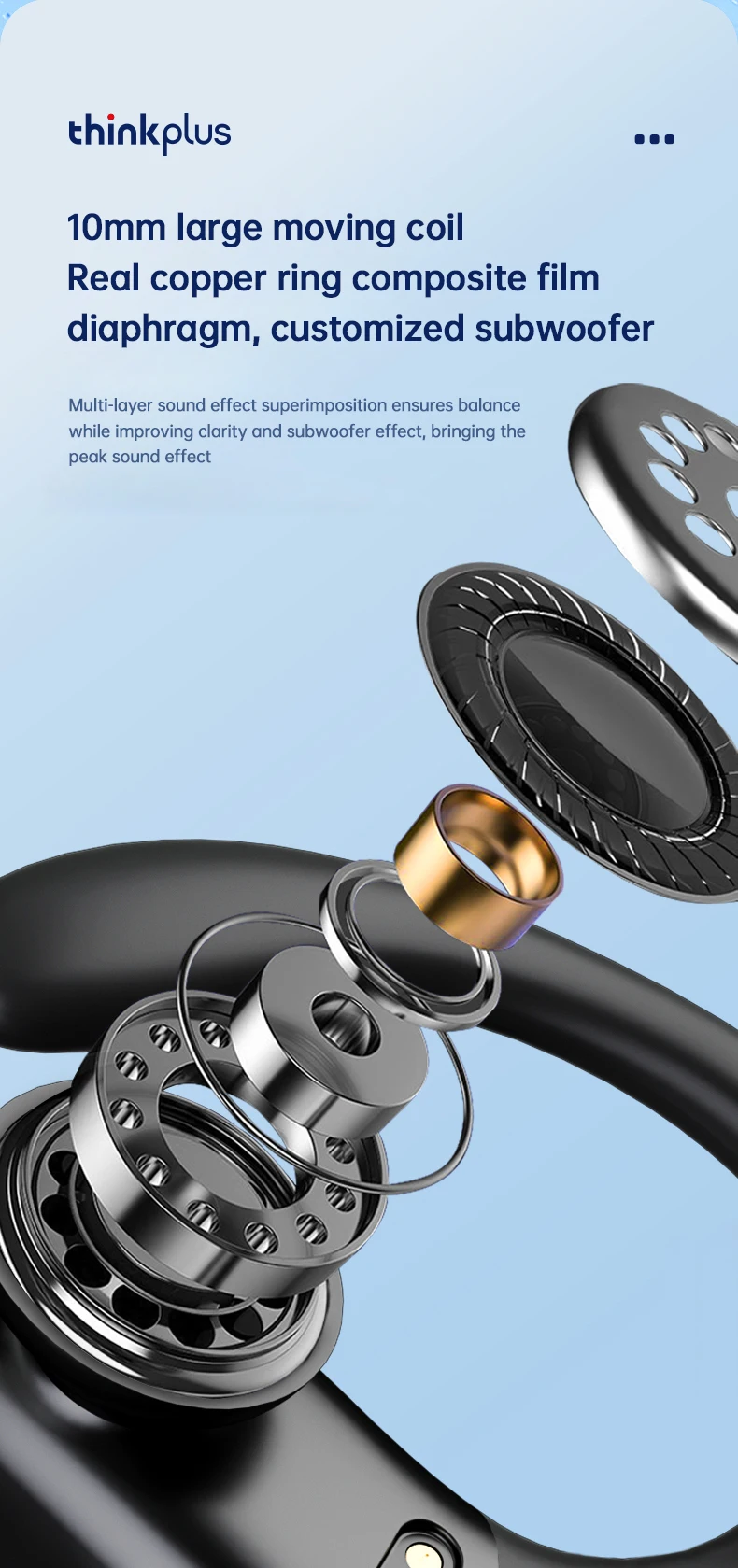
Horn Diameter: 13mm
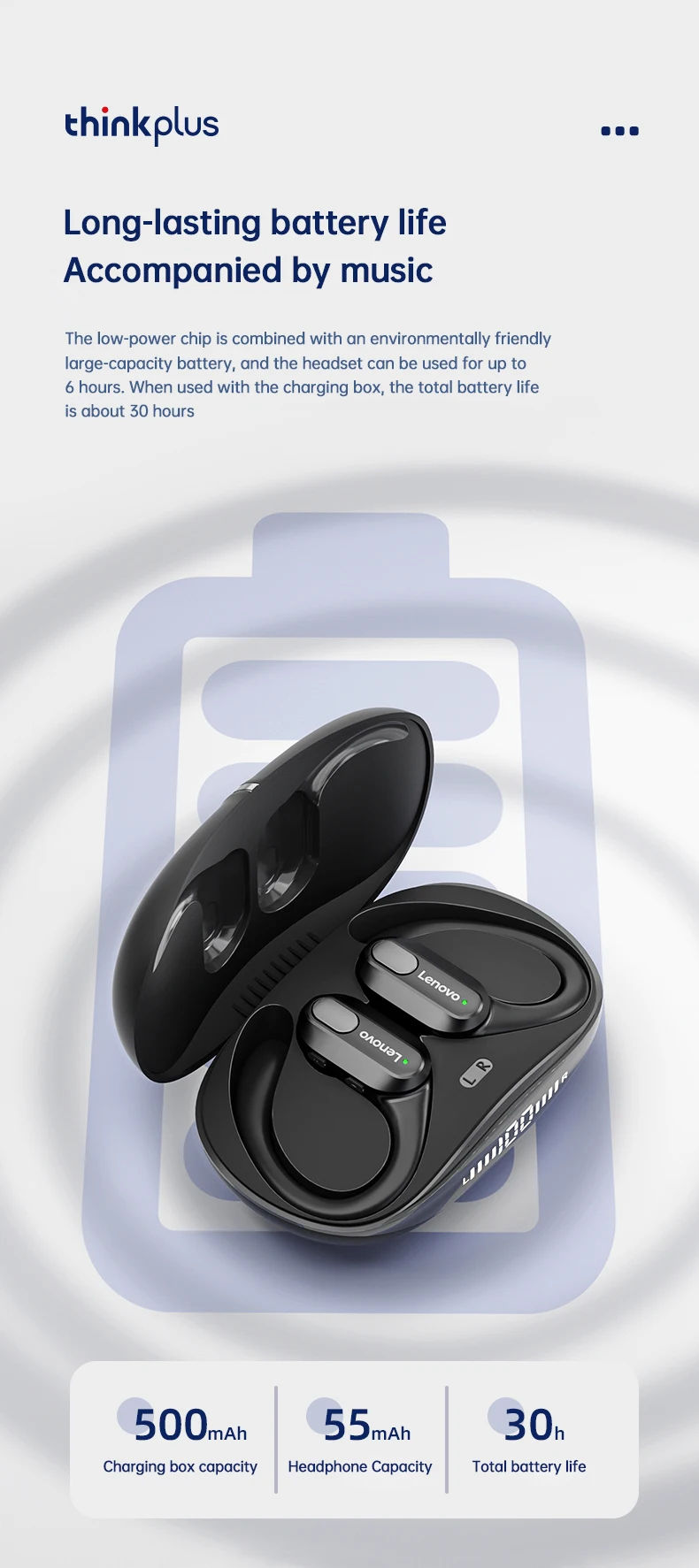
Playing Time: Up to 5-6 hours
Earphone Battery Capacity: 55mAh
Charging Case Battery Capacity: 500mAh
Charging Time: Roughly 1.5 hours
Bluetooth Version: V5.3


Package Includes:
Bluetooth Earphones x2
Charging Case x1
Charging Cable x1
Instruction Manual x1
Ear Caps x6
Frequently Asked Questions:
1. Why can't both earphones connect simultaneously?
The TWS Bluetooth earphones can be used together or separately. If one earphone isn't working, it may not be paired correctly. Re-pairing them should resolve the issue.
2. How do I pair both earphones?
Step 1: Delete the Bluetooth connection of the earphones from your phone and turn off Bluetooth. Step 2: Place both earphones back in the charging case. Step 3: After 10 seconds, take them out to allow them to pair. Step 4: Turn on Bluetooth on your phone, search for the headphones, and connect.
3. Can I use Siri with these headphones?
Yes, activate Siri by long-pressing the left earphone button for 2 seconds.
4. Is there a built-in microphone?
Yes, these earphones come with a built-in microphone for clear conversations.
5. Are they waterproof? Can I swim with them?
They are sweatproof, but swimming is not recommended.
6. Is sound leakage an issue?
As long as the volume is not set to maximum, sound leakage is minimal. For your ear health, avoid prolonged use at maximum volume.
Let customers speak for us
Absolutely love this dashcam! The video quality is super clear, even at night. Feels like a must-have for every driver.
Cat

Experience Unmatched Safety with the NEXPOW 1080P Dual Dash Cam - Front and Rear Cameras with Night Vision and Advanced Features